|
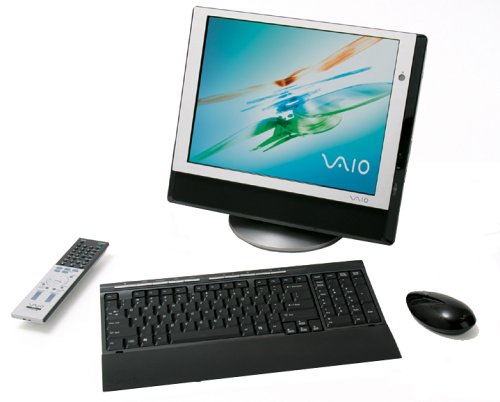
Answer» this doesn't seem to be a MAJOR problem, but.. well, i just noticed it. must've happened last night. i have a sony vaio PCV-V300G - link http://images.amazon.com/images/P/B00029YYI8.01.LZZZZZZZ.jpg. windows XP home edition. pentium 4, 2.8ghZ processor, 480MB ram, etc.
the recycle bin icon indicates there's a file inside. i open it, nothing in the bin. i click restore all items, nothing happens. i click "empty recycle bin" and it asks me do i really want to delete 'WINDOWS'? i guess this is some kind of virus. i can't get the invisible file out, and i can't delete it. any ideas? need more INFO?Well, you could create a small text file with Notepad and delete it to the Recyle Bin just to get something in there that actually appears when you open it, and then empty your Recyle Bin. In other, I'm saying this might clear the Recyle Bin of that mysterious item.
However, the fact that you're GETTING a message referring to 'WINDOWS' may warrant a more cautious approach here. What virus protection are you using? How about spyware removal tools? Are you the only user on that machine ? ?
Are you running any Norton/Symantec products ? ?
Instead of using the Recycle bin to view what's in there have you tried Explorer ?i am the only user. i run norton internet security and antivirus consistently.
i tried the small text suggestion and it worked. "do you want to delete these two items?" i clicked yes, windows didnt' crash. (yay.) i'm GUESSING it was some kind of virus or spyware.. don't know why norton didn't get it. thanks for the help, soybean & PATIO.
|